


Video content continues to dominate social media and digital marketing in 2026. Whether you’re creating TikToks, YouTube Shorts, podcasts, or branded content, one truth remains: quality videos get more attention, longer watch time, and higher engagement.
But many small business owners and content creators think that producing high-quality videos requires expensive software or professional equipment. The truth? You can create incredible videos with free or low-cost tools — as long as you use the right ones.
This guide breaks down seven of the best free or affordable tools to improve your video quality in 2026. Each one helps you create sharper visuals, cleaner audio, and more professional edits without needing a studio or advanced technical skills.
1. CapCut (All-in-One Free Video Editor)
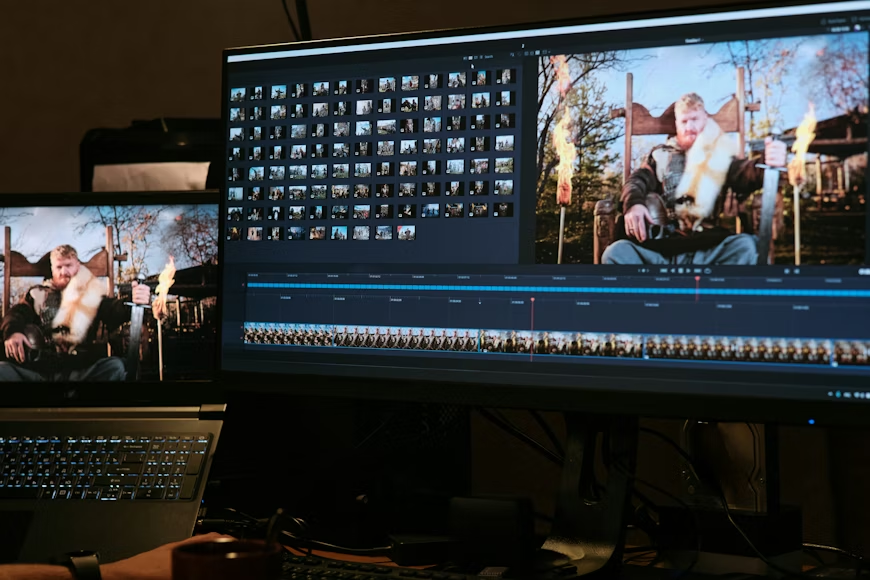
CapCut remains one of the best free video editing apps for creators and small businesses. Originally developed by ByteDance (the company behind TikTok), CapCut is designed for short-form content — but it’s also powerful enough for longer videos.
The app is available for desktop, mobile, and browser, and it includes advanced AI features that make editing fast, easy, and visually impressive.
Why It’s Great in 2026
CapCut has evolved far beyond a simple editing app. In 2026, it offers AI-powered auto-captions, background noise removal, filters, and smart templates that adapt your clips automatically for platforms like TikTok, Instagram Reels, and YouTube Shorts.
Key Features
- Auto subtitles with accurate transcription
- AI background remover
- One-click color correction
- Ready-made viral video templates
- Transitions, effects, and filters
- Sound synchronization with beats
- Auto resize for multiple platforms
Example:
A small business records a customer testimonial using a smartphone. CapCut automatically enhances lighting, removes background noise, adds branded text, and exports the final clip in under 10 minutes.
Pro Tip:
Create a branded template for intros and outros so all your videos maintain consistency.
2. Descript (Video + Audio Editing with AI)
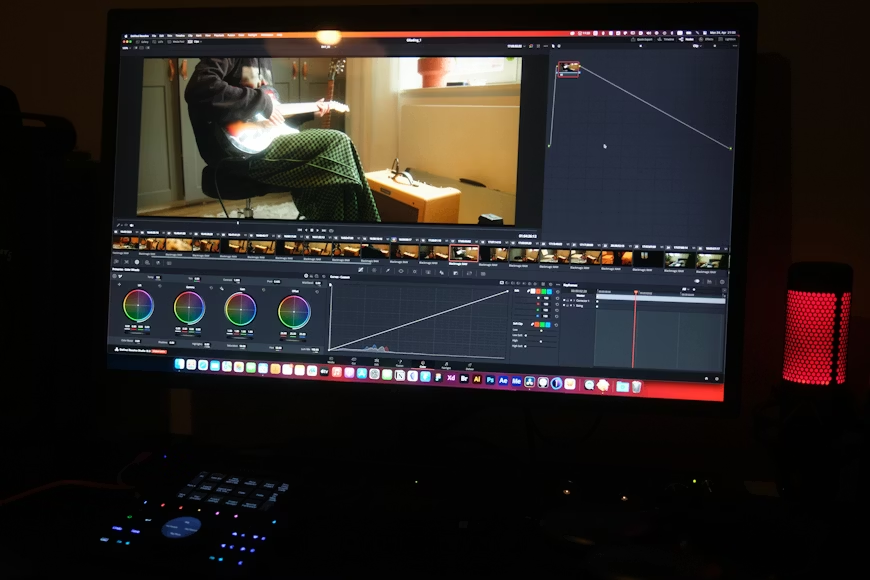
Descript revolutionized video and audio editing by making it as easy as editing a Word document. Instead of cutting clips manually, you edit text — and Descript adjusts the video automatically.
This tool is perfect for small businesses producing talking-head videos, educational content, or podcasts.
Why It’s Great in 2026
Descript continues to lead in AI editing innovation. Its overdub feature can recreate your voice naturally, allowing you to fix mistakes without re-recording.
Key Features
- Text-based editing
- Automatic filler word removal
- Studio Sound AI for clean audio
- Screen recording and webcam capture
- Transcription with timestamps
- Overdub voice cloning
- AI-powered clip creation
Example:
You record a tutorial but stumble over a few lines. Descript removes filler words like “uh” and “um,” then fixes one sentence using overdub. The video is ready in minutes with studio-quality sound.
Pro Tip:
Record all your content in Descript directly — it saves time and keeps your workflow organized.
3. DaVinci Resolve (Professional Color Grading for Free)
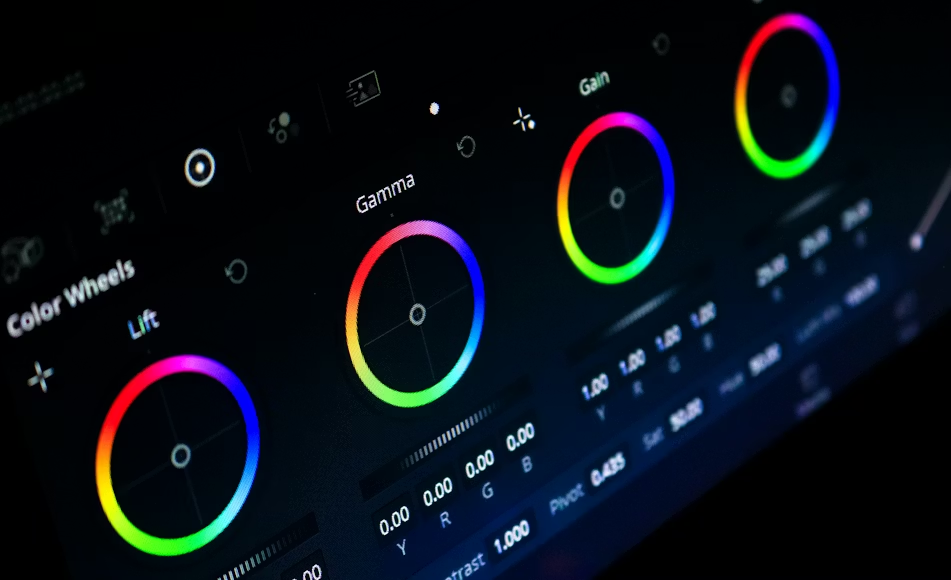
DaVinci Resolve offers professional-grade editing, color correction, audio post-production, and visual effects — all for free.
While its learning curve is higher than CapCut, it’s the top choice for creators who want cinematic quality without paying for Adobe Premiere.
Why It’s Great in 2026
DaVinci Resolve’s latest version includes AI-based color matching, voice isolation, smart reframing, and auto subtitles. It’s perfect for YouTubers, agencies, and brands who want complete creative control.
Key Features
- AI-driven color grading
- Fairlight audio post-production
- Visual effects (Fusion)
- Auto reframing for social media
- Smart stabilization
- Advanced transitions and LUTs
Example:
You film a product showcase using your phone. DaVinci’s AI color tools automatically balance lighting and enhance vibrancy, making your video look like it was shot professionally.
Pro Tip:
Use built-in LUTs to achieve consistent brand color tones across all videos.
4. VEED.io (Browser-Based Editing and Captions)
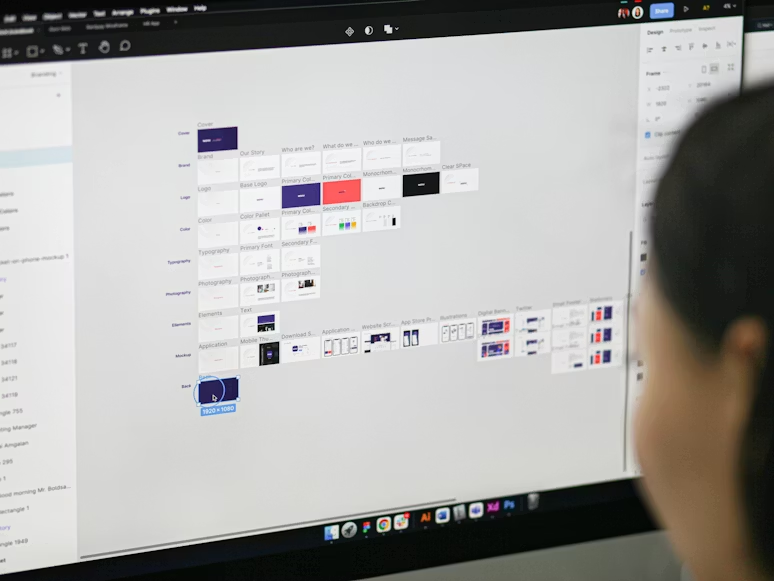
VEED.io is a cloud-based video editor that simplifies everything — from trimming clips to adding subtitles, logos, and effects.
It’s designed for social media marketers, small businesses, and creators who want to produce professional videos quickly without software installation.
Why It’s Great in 2026
VEED’s AI-driven features, like auto-captioning and background removal, make it perfect for brands producing daily content. It’s lightweight and accessible from any device.
Key Features
- Auto captions and translations
- Background noise removal
- Brand templates and logos
- Screen recorder
- Subtitles in multiple languages
- AI video translator
Example:
You shoot a short promo video for your business. VEED adds auto subtitles, translates them into Spanish, and exports a captioned version for international audiences — all from your browser.
Pro Tip:
Use VEED’s subtitle templates to improve accessibility and increase engagement.
5. Krisp (AI Noise Cancellation)
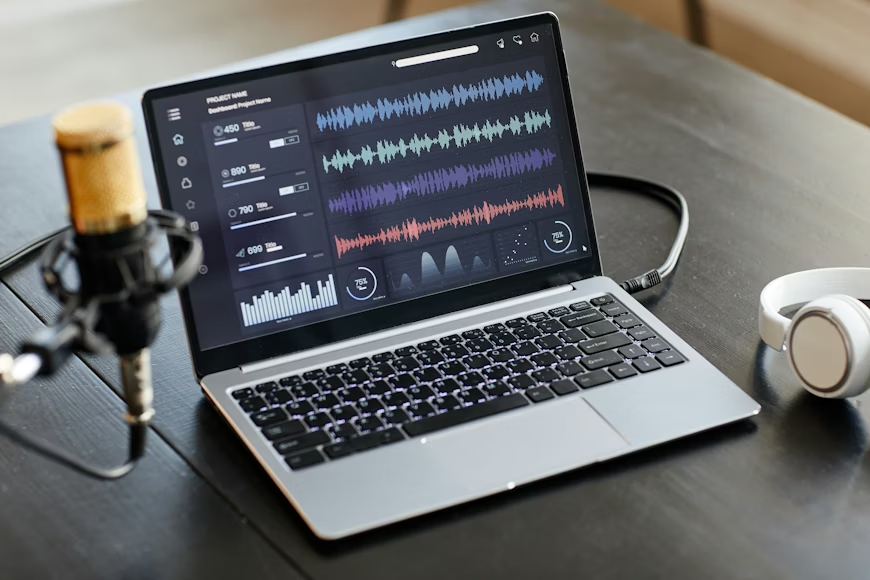
Krisp is an AI tool that removes background noise and echo in real-time. It works with Zoom, Google Meet, OBS, and most recording apps, making it invaluable for podcasters, YouTubers, and remote teams.
Why It’s Great in 2026
Remote work and digital communication remain a huge part of business. Krisp ensures your video calls, podcasts, and recordings sound clean — even without a professional mic.
Key Features
- Real-time noise and echo removal
- HD voice enhancement
- Works with any app or platform
- Minimal CPU usage
- One-click setup
Example:
You record a training video in a busy office. Krisp filters out background chatter, leaving your voice clear and crisp.
Pro Tip:
Pair Krisp with Descript’s Studio Sound for professional-grade audio without expensive hardware.
6. Opus Clip (AI Video Repurposing)

Opus Clip uses AI to turn long videos into short-form clips ready for TikTok, Instagram, and YouTube Shorts.
Instead of manually editing highlights, Opus identifies the most engaging moments, adds captions, and reformats everything automatically.
Why It’s Great in 2026
With attention spans shrinking, repurposing long content into multiple short videos is the best way to increase reach. Opus saves hours and makes content go further.
Key Features
- AI highlight detection
- Auto captions
- Smart reframing
- Trend-based clip suggestions
- Branded intro/outro
Example:
You upload a 30-minute podcast episode. Opus Clip automatically creates 10 viral-ready clips with captions and trending hashtags — perfect for social media.
Pro Tip:
Always edit captions for clarity. Customizing font colors or brand accents helps maintain consistency.
7. Runway ML (AI Video Enhancement)
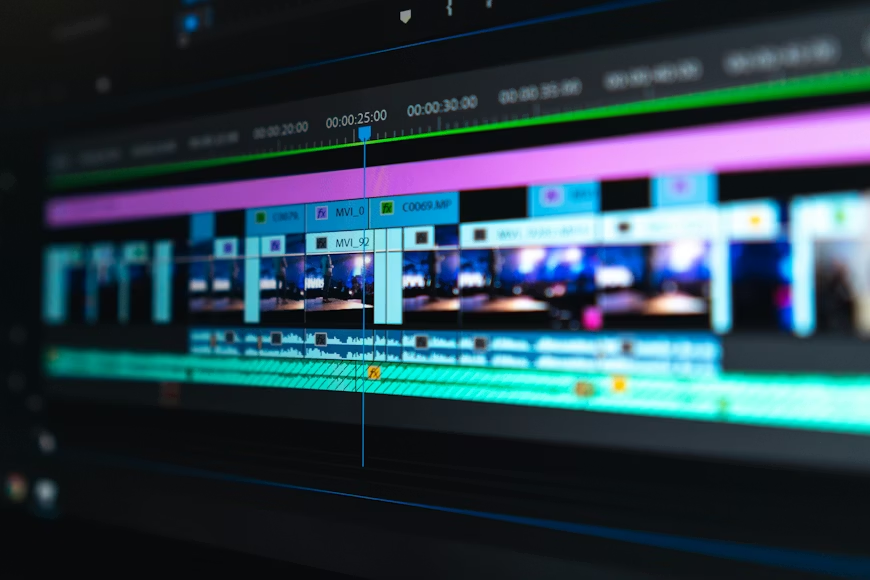
Runway ML is an AI-powered creative tool for video editing, background replacement, and motion tracking.
It’s ideal for small creators who want cinematic visuals without a full production team.
Why It’s Great in 2026
Runway ML now includes generative AI features that can extend backgrounds, upscale low-resolution footage, and even generate b-roll using text prompts.
Key Features
- Video upscaling and restoration
- AI-generated b-roll
- Background removal
- Object tracking and masking
- Motion blur correction
Example:
You have a low-resolution product video from years ago. Runway ML upscales it to 4K, adds cinematic lighting, and removes background distractions automatically.
Pro Tip:
Use Runway’s “Gen-2” model to create AI-enhanced visuals that match your brand style.
Bonus: How to Combine These Tools for the Best Results
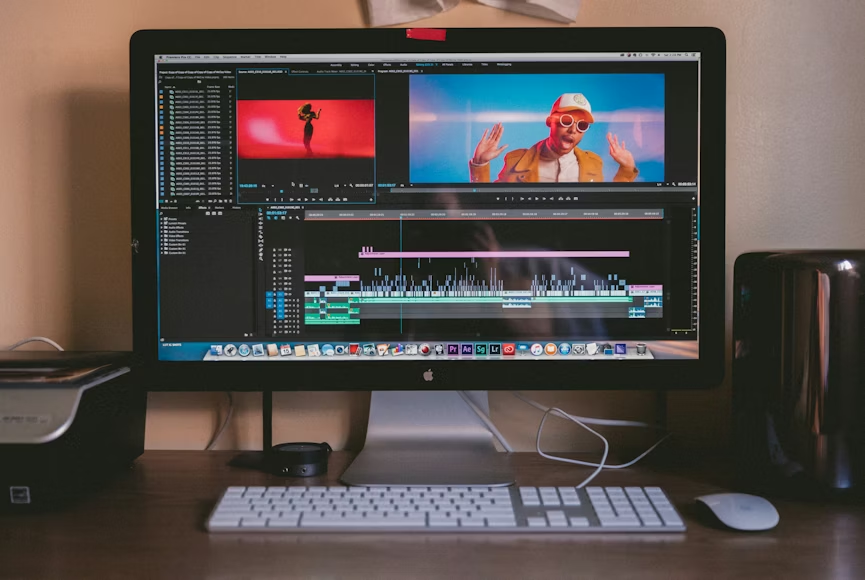
Each of these tools solves a specific problem — but using them together creates a full professional workflow.
- Record your video (any camera or phone).
- Clean your audio using Krisp.
- Edit and enhance in CapCut or DaVinci Resolve.
- Use Descript for text editing and transcription.
- Repurpose long videos into short clips with Opus Clip.
- Add branded captions and logos with VEED.io.
- Use Runway ML for final visual enhancements.
For automation, upload everything into GoHighLevel, where you can:
- Schedule content releases across all platforms
- Automate follow-ups after a new video launch
- Track engagement analytics
- Collect leads directly from your videos
FAQs
Q1: Which of these tools is best for beginners?
CapCut and VEED.io are the easiest to start with. Both are beginner-friendly and have templates that make editing quick and intuitive.
Q2: Can I use these tools for YouTube and TikTok?
Yes. All these tools are designed for multi-platform editing and export options, including vertical (9:16) and horizontal (16:9) formats.
Q3: Are these tools really free?
Yes, most have free plans with optional premium upgrades for advanced features. The free versions are more than enough for small business use.
Q4: How can I make my videos look more professional without editing skills?
Use templates, maintain consistent lighting, and keep your brand visuals (colors, fonts, logos) uniform across videos.
Q5: What’s the best affordable tool for complete marketing automation?
GoHighLevel — it integrates content scheduling, lead tracking, automations, and CRM in one system for under $50/month.
High-quality video no longer requires high budgets. With tools like CapCut, Descript, DaVinci Resolve, and VEED.io, small businesses can create stunning videos that look professional, sound clear, and perform across every platform.
These tools empower creators and entrepreneurs to focus on storytelling, not technical barriers. The right video doesn’t just attract views — it builds trust, authority, and connection.
If you want to take your content strategy even further, automate your posting, manage your leads, and track engagement from one place, GoHighLevel makes it effortless.
For less than $50 a month, you can centralize your marketing, automate follow-ups, and grow your brand — all while maintaining high-quality video content.