
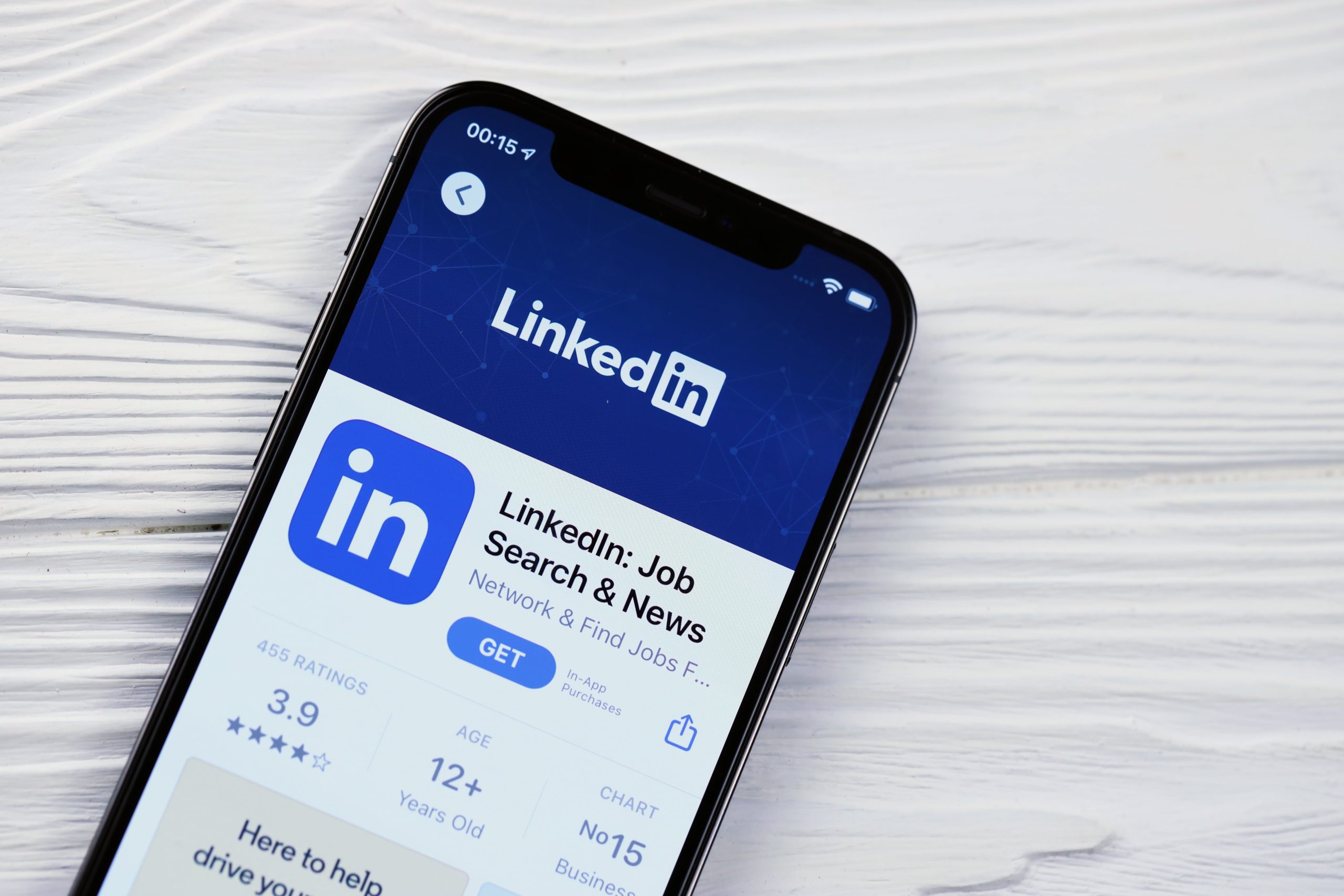
LinkedIn has transformed.
What was once a résumé-sharing network is now a vibrant ecosystem for thought leadership, storytelling, and relationship-driven marketing.
With over 1 billion users worldwide and record-breaking engagement, LinkedIn in 2025 has become the most trusted platform for professionals and brands looking to grow authority organically.
But there’s one question every creator and business owner keeps asking:
What type of content performs best on LinkedIn in 2025?
Let’s break it down — backed by data, strategy, and real-world examples.
Why LinkedIn Matters More Than Ever

LinkedIn isn’t just another social media app. It’s a professional content hub — where credibility meets community.
In 2025, audiences on LinkedIn crave three things:
- Authenticity over perfection
- Insights over inspiration
- Consistency over virality
That means your LinkedIn content strategy needs to balance personal storytelling with practical value.
According to LinkedIn’s 2025 Marketing Report, posts that combine personal perspective with professional relevance generate 5x higher engagement than purely promotional content.
The Algorithm Shift: From Visibility to Value

LinkedIn’s algorithm used to prioritize engagement (likes, comments, shares).
In 2025, it prioritizes value and dwell time — how long users spend reading your content.
That means:
- Thoughtful long-form posts outperform quick updates.
- Conversations beat clickbait.
- Insights that educate or empower outperform self-promotion.
The more meaningful your content feels, the longer people stay.
And the longer they stay, the more LinkedIn boosts your reach.
The 5 Types of Content That Perform Best on LinkedIn in 2025

1. Storytelling Posts That Build Connection
People don’t connect with brands — they connect with people behind brands.
That’s why storytelling remains the most engaging content format on LinkedIn.
According to Social Media Today, personal stories with lessons achieve 2.5x more shares and comments than purely educational posts.
What Works
- Personal Growth Stories
- Example: “Two years ago, I almost quit my business. Here’s what changed everything.”
- Failure + Lesson Framework
- Share what didn’t work, then reveal what you learned.
- “We launched a campaign that completely flopped — but it taught us the most valuable marketing lesson of the year.”
- Behind-the-Scenes Leadership Posts
- Show the human side of your business — decisions, challenges, wins, or hiring insights.
- Team and Culture Spotlights
- Tag employees, celebrate milestones, and let your company culture speak for itself.
Pro Tip
Use storytelling structure — setup, conflict, resolution.
Hook readers in line one, build tension by line three, and deliver value by the end.
And always end with a reflective question to spark conversation:
“What’s one lesson your toughest year in business taught you?”
2. Data-Driven and Insightful Educational Posts
LinkedIn users love actionable, expert-backed content.
They want to learn something new that helps them grow.
Educational posts perform best when they blend facts + frameworks + experience.
What Works
- Step-by-Step Frameworks
- Example: “Here’s our 5-step system for turning cold leads into loyal clients.”
- Industry Data and Trends
- Share or interpret data from sources like HubSpot or Gartner.
- Add your take: What does this mean for your audience?
- List Posts with Context
- “7 Marketing Trends You Can’t Ignore in 2025 (and Why They Matter)”
- Actionable Mini-Guides
- Share playbooks or checklists that help your audience take action immediately.
Pro Tip
Include visual infographics or carousel slides to summarize insights.
They keep users scrolling longer, boosting dwell time and algorithmic favor.
Tools like Canva or GoHighLevel CRM’s content templates make this effortless.
3. Opinion Posts and Thought Leadership
The fastest way to stand out on LinkedIn? Have a point of view.
People don’t engage with generic content — they engage with perspectives that challenge or clarify.
What Works
- Contrarian Takes
- Example: “You don’t need more followers. You need more follow-through.”
- Industry Predictions
- “Here’s where AI marketing will be in 2026 — and what it means for small businesses.”
- Lessons from Experience
- “After managing 50+ campaigns, here’s the one thing every successful one had in common.”
- Micro-Manifestos
- 5–10-line “belief posts” that express your professional philosophy.
Pro Tip
Opinion posts should provoke thought, not conflict.
Focus on clarity and conviction — not controversy.
LinkedIn rewards bold, respectful thought leadership.
4. Visual Content: Carousels, Videos, and Data Cards
Visual content stops the scroll — but educational visuals keep people reading.
According to Buffer’s 2025 Social Media Benchmark, carousel posts on LinkedIn generate 3x more clicks and saves than text-only updates.
What Works
- Carousels with Value
- Turn long-form insights into bite-sized visuals:
- “5 Mistakes Most Brands Make with Content Strategy.”
- Short Videos (30–90 Seconds)
- Quick storytelling or mini-lessons filmed on your phone.
- Authentic > polished.
- Infographics
- Summarize research or survey results visually.
- Data Cards
- Small, branded visuals highlighting one fact or stat — easy to share and save.
Pro Tip
Upload videos natively (not as links) for higher reach.
Add captions for accessibility — 85% of LinkedIn videos are watched on mute.
And yes — you can automate your posting and performance tracking with GoHighLevel CRM.
5. Collaborative and Conversational Posts
LinkedIn is built on networking — so content that invites dialogue performs best.
Posts that include a clear call for opinions, debate, or stories from others consistently drive the highest engagement.
What Works
- “What Do You Think?” Posts
- Share an insight, then ask your audience to weigh in.
- Example: “Cold emails aren’t dead — they’re just misunderstood. Agree or disagree?”
- Tagging Posts
- Tag collaborators or experts to extend reach and spark conversation.
- Community Questions
- Ask about common industry challenges — “What’s one tool you can’t live without?”
- Event and Webinar Announcements
- Promote conversations, not products.
- Example: “Join our live discussion on AI in marketing next Thursday.”
Pro Tip
Respond to every thoughtful comment — not with emojis, but with questions.
The longer the comment thread, the higher your post ranks.
Engagement depth > engagement count.
The Ideal LinkedIn Content Mix for 2025

To maximize reach and authority, rotate between these 5 categories:
| Content Type | Goal | Frequency |
| Storytelling | Human connection | 1x per week |
| Educational | Authority and visibility | 2x per week |
| Opinion | Thought leadership | 1x per week |
| Visual | Engagement and shareability | 1x per week |
| Conversational | Community building | 1x per week |
✅ 5 posts per week = one powerful, balanced content strategy.
Consistency beats virality every time.
How to Write LinkedIn Posts That Get Noticed

Even with great ideas, format matters.
LinkedIn’s best-performing posts follow a few key writing principles:
- Short Paragraphs
- Break up text for readability — 1–2 lines max.
- A Hook in the First 2 Lines
- People see only the first 3 lines before the “See more” cut — make them count.
- Example:
- “Most people fail on LinkedIn because they sound like marketers — not mentors.”
- Use Storytelling Rhythm
- Vary tone, sentence length, and pacing.
- End with a Question
- Invite responses: “What’s your take?”
- Engage in the First 30 Minutes
- Respond quickly to early comments — it signals active relevance.
How to Use Automation to Stay Consistent

Posting manually can drain your time.
That’s where automation meets authenticity.
With GoHighLevel CRM, you can:
- Schedule and publish LinkedIn posts automatically.
- Monitor engagement metrics from a single dashboard.
- Create lead funnels for inbound traffic.
- Automate follow-up messages when people engage with your posts.
Automation keeps you consistent — without losing your human touch.
Common Mistakes to Avoid on LinkedIn

- Posting Only Promotional Content
- If every post is a pitch, you’ll lose credibility fast.
- Ignoring Comments
- Engagement is two-way. Responding shows leadership and care.
- Writing Long Paragraphs
- Dense text kills readability on mobile.
- Copying Trends Blindly
- What works on TikTok rarely works on LinkedIn.
- Being Inconsistent
- Irregular posting breaks the trust algorithm — and your audience’s habit.
Real-World Example: From Invisible to Influential

A small B2B agency began posting consistently on LinkedIn using this strategy in early 2024:
- Storytelling post every Monday
- Data insight on Wednesdays
- Carousel on Fridays
They used GoHighLevel CRM to schedule content and track engagement data.
Within 90 days:
✅ Profile views up 280%
✅ Connection requests up 190%
✅ Inbound leads doubled — all organically
Their secret? They didn’t try to “go viral.”
They aimed to add value.
FAQs
Q1: How long should a LinkedIn post be?
150–250 words performs best, but if it’s educational, up to 400 words works well.
Q2: Should I use hashtags on LinkedIn?
Yes, but limit to 3–5 relevant ones per post.
Q3: How often should I post?
3–5 times per week is ideal for visibility and engagement.
Q4: Do videos or carousels perform better?
Both — videos drive awareness; carousels drive saves and shares.
Q5: Can I automate LinkedIn content?
Yes. GoHighLevel CRM integrates with LinkedIn to schedule posts and track analytics automatically.
In 2025, LinkedIn isn’t just a platform for job seekers — it’s the epicenter of professional storytelling and thought leadership.
If you want your content to perform, remember:
- Tell stories that humanize your brand.
- Share insights that help, not sell.
- Show up consistently, not perfectly.
LinkedIn rewards those who teach, connect, and inspire — not just those who promote.
And with GoHighLevel CRM—available for less than $50/month—you can automate your posting, manage engagement, and track results effortlessly, all from one dashboard.
Teach with clarity. Post with consistency. Lead with authenticity.